investment Banking PowerPoint Templates: A Comprehensive Guide
Creating compelling and professional presentations is crucial in the fast-paced world of investment banking. A well-designed PowerPoint template can make all the difference, ensuring your presentations are visually appealing, consistent, and effectively communicate complex financial information. This comprehensive guide explores the key elements of a successful investment banking PowerPoint template, providing insights and best practices to help you create impactful presentations.
Why Use a Dedicated Investment Banking Template?
In investment banking, presentations are a daily occurrence, used for client pitches, internal meetings, deal updates, and more. Using a dedicated template offers several advantages:
Professionalism: A well-designed template instantly elevates the perceived quality of your work, projecting an image of professionalism and competence.
Consistency: Templates ensure a consistent look and feel across all presentations, reinforcing your brand identity and message.
Efficiency: Pre-designed layouts and elements save valuable time, allowing you to focus on content rather than formatting.
Clarity: A well-structured template can enhance the clarity and readability of your presentations, making complex information easier to understand.
Impact: Visually engaging slides can capture attention and leave a lasting impression on your audience.
Key Elements of an Effective Template
A successful investment banking PowerPoint template should incorporate several key elements:
Color Palette: Choose a professional and consistent color scheme. Consider using your firm’s brand colors or a palette that evokes trust and stability, such as blues, grays, and greens. Avoid overly bright or clashing colors.
Typography: Select clear and legible fonts. Stick to a maximum of two or three font families for consistency. Use a professional font like Arial, Calibri, or Helvetica for body text and a slightly bolder font for headings.
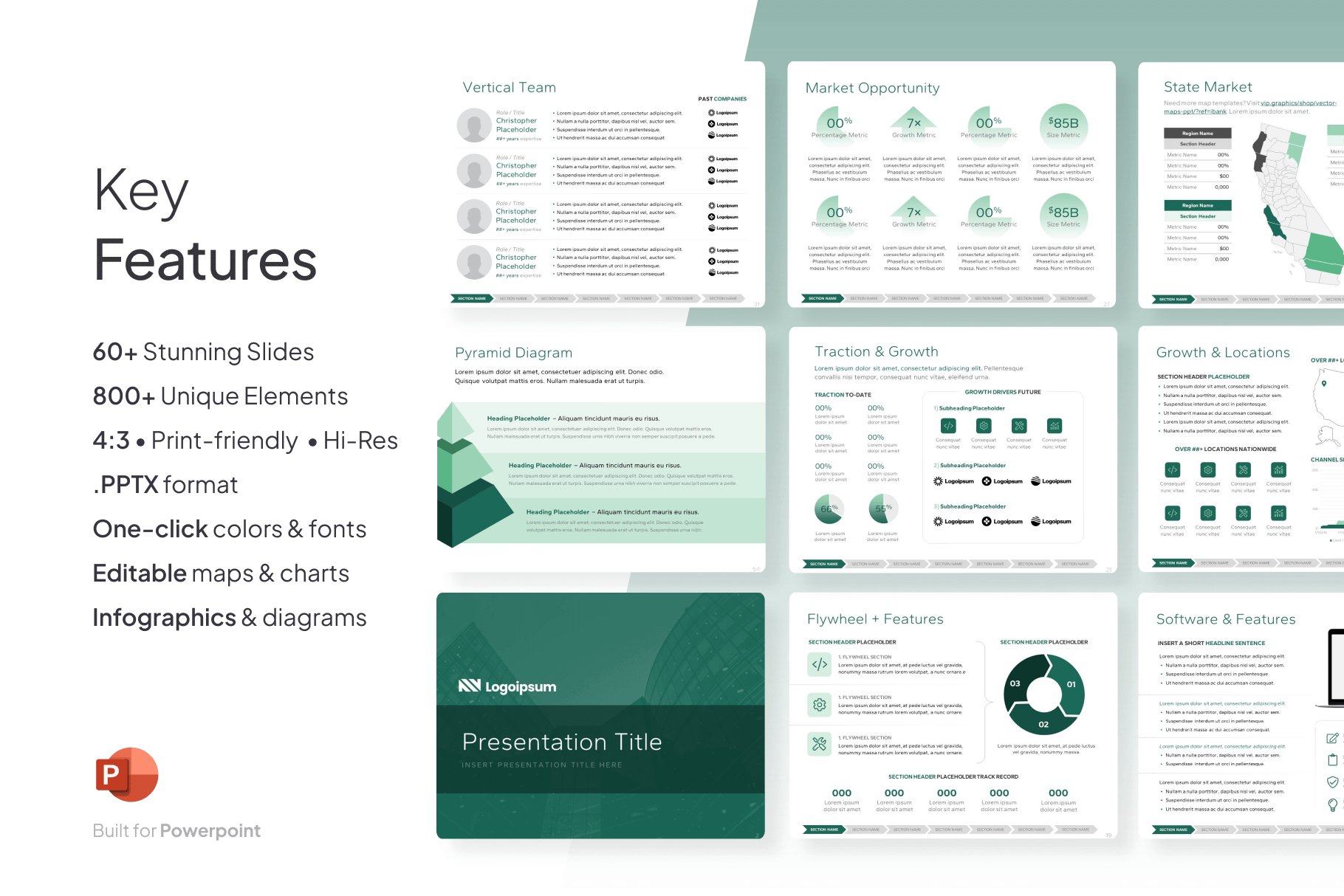
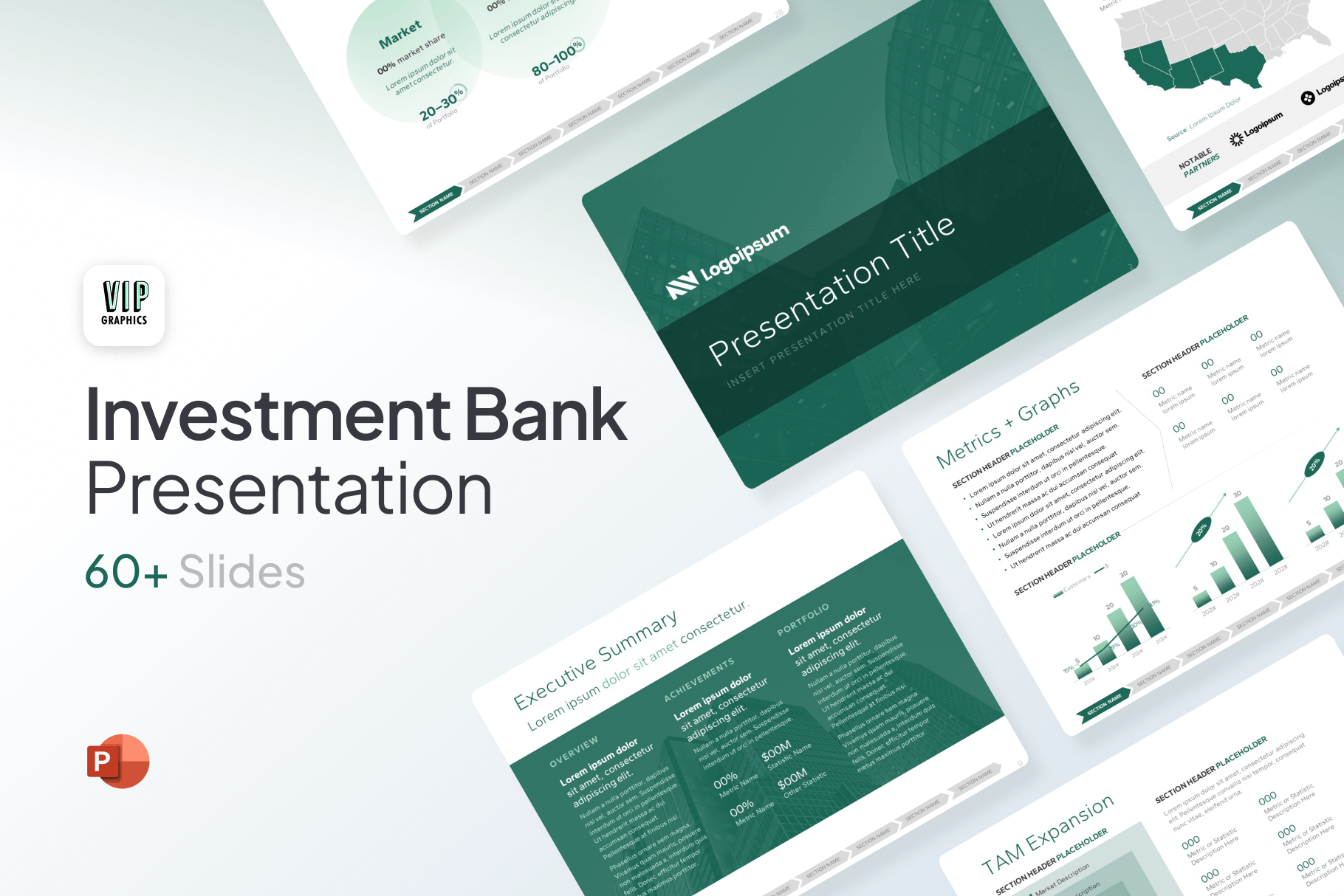
Layouts: Design a variety of slide layouts to accommodate different types of content, such as title slides, section headers, bullet points, charts, and tables.
Graphics and Icons: Use high-quality graphics and icons to visually represent data and concepts. Ensure they are consistent in style and complement the overall design.
Whitespace: Don’t overcrowd your slides. Use ample whitespace to create a clean and uncluttered look, improving readability and visual appeal.
Branding: Incorporate your firm’s logo and branding elements subtly but consistently throughout the template.
Charts and Graphs: Design clear and concise charts and graphs that accurately represent financial data. Use consistent formatting and labeling.
Tables: Create well-structured tables that are easy to read and understand. Use clear headings and consistent formatting.
When designing your investment banking PowerPoint template, keep the following best practices in mind:
Keep it Simple: Avoid overly complex designs. Focus on clarity and functionality.
Less is More: Don’t overload your slides with too much information. Keep the text concise and use visuals effectively.
Consistency is Key: Maintain consistency in fonts, colors, layouts, and graphics throughout the template.
Mobile-Friendly: Ensure your template looks good on different screen sizes and devices.
Accessibility: Consider accessibility guidelines for color contrast and font sizes to ensure your presentations are accessible to everyone.
Master Slides: Utilize master slides to control the overall design and layout of your presentations. This makes it easy to update the template across all slides.
Placeholders: Use placeholders for text and images to ensure consistency and make it easy to add content.
Essential Slides for Investment Banking Presentations
Your template should include a variety of slide layouts to accommodate different types of content. Here are some essential slides for investment banking presentations:
Title Slide: Includes the presentation title, presenter name(s), date, and firm logo.
Agenda Slide: Outlines the topics to be covered in the presentation.
Section Header Slides: Introduce new sections or topics.
Bullet Point Slides: Present key points and information in a concise and easy-to-read format.
Chart Slides: Visualize financial data using various chart types, such as bar charts, line charts, and pie charts.
Table Slides: Present data in a tabular format.
Case Study Slides: Present case studies and examples.
Deal Team Slides: Introduce the members of the deal team.
Appendix Slides: Include supporting information and data.
Disclaimer Slide: Include any necessary disclaimers.
Contact Information Slide: Provide contact information for the presenters.
Customizing Your Template
Once you have a basic template, you can customize it further to meet your specific needs and preferences. Consider creating different versions of your template for different types of presentations, such as client pitches, internal meetings, or deal updates.
Where to Find Investment Banking Templates
You can find investment banking PowerPoint templates in several ways:
In-house Design Team: Many investment banks have in-house design teams that create custom templates for their employees.
Online Resources: Several websites offer free and paid PowerPoint templates specifically designed for investment banking.
Microsoft PowerPoint: PowerPoint itself offers a variety of built-in templates that you can customize.
Graphic Designers: You can hire a graphic designer to create a custom template tailored to your specific needs.
Maximizing the Impact of Your Presentations
Using a professional template is just the first step. To maximize the impact of your presentations, consider the following:
Content is King: Focus on delivering clear, concise, and compelling content.
Storytelling: Structure your presentations in a way that tells a story and engages your audience.
Visual Communication: Use visuals effectively to support your message and make complex information easier to understand.
Practice: Rehearse your presentations thoroughly to ensure a smooth and confident delivery.
Audience Engagement: Engage your audience by asking questions, encouraging discussion, and incorporating interactive elements.
Conclusion
In the competitive world of investment banking, effective communication is essential. A well-designed PowerPoint template can be a valuable tool, helping you create professional, consistent, and impactful presentations. By following the best practices outlined in this guide, you can create templates that enhance your presentations, impress your audience, and ultimately contribute to your success. Remember to prioritize clarity, consistency, and visual appeal to ensure your presentations effectively communicate complex financial information and leave a lasting impression. Investing time in creating a strong template is an investment in your professional success.



:max_bytes(150000):strip_icc()/sweepaccount.asp-Final-e0b16e87c6be4879a9376eec7787c292.png?resize=200,135&ssl=1 "Lincoln Investment Sweep Program: An Overview")
